
← Back to journal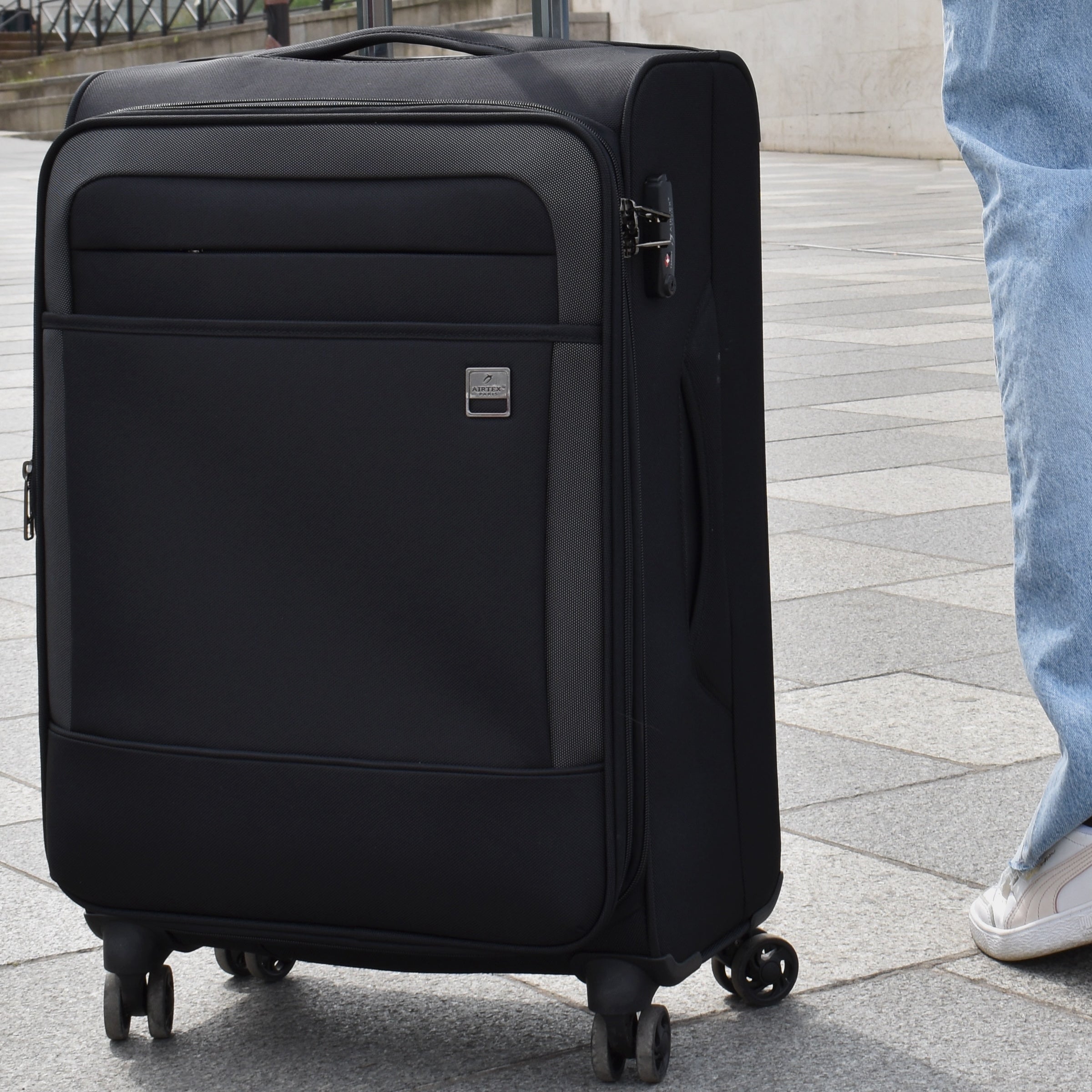
Our guides
How to Change the Code on Your TSA Lock: Step-by-Step Guide
What you'll need
- A pen or a small tool
Steps
Step 1: Make sure the lock is open
If the lock isn't already open, open it using the current code.
Step 2: Locate the reset button
On a TSA lock, there's a small button next to the code dials or on the back of the lock.
Step 3: Put the lock into reset mode
Press and hold the reset button (using a pen or a small tool).
Step 4: Enter the new code
Turn the dials to set your new three-digit code. Choose a code you'll easily remember.
Step 5: Save the new code
Pull on the shackle or the lock itself so the new code is saved.
Step 6: Test the new code
Lock it and try opening it with your new code to make sure it works correctly. If it doesn't, repeat the steps, making sure to follow the instructions carefully.
A few extra tips
- Avoid obvious codes like 000 or your date of birth.
- Write your new code down somewhere safe in case you forget it.
- If your TSA lock is built into the suitcase, the steps should be similar — check the manufacturer's manual to be sure.